AI That Understands
Everything On Your Screen
Open-source desktop AI overlay that floats above every application. Capture visual context, explain code, answer questions, debug software — powered by Gemini, OpenAI, Claude, or local models.
Undetectable. Tested across
every one of these apps.
The overlay is excluded from screen capture by default. Tested and verified undetectable across all major meeting, coding, and browser platforms.
⚠ Note: Capture exclusion is not universal across all recording tools. Always test withINVISIBILITY_TEST.mdbefore relying on it in production.
Everything you need, nothing you don't
A lightweight, powerful AI overlay designed around the developer workflow. No bloat, no subscriptions, no compromises.
Floating AI Overlay
Stays always on top of every window. Access AI instantly without switching context or minimizing your work.
Screenshot Understanding
Capture any region of your screen. The AI sees exactly what you see and provides context-aware answers.
AI Chat Interface
Full conversational AI with rich Markdown rendering, code highlighting, and math expression support.
Vision AI
Multimodal AI understands diagrams, error messages, UI layouts, and code in screenshots automatically.
Keyboard First
Every action has a global hotkey. Toggle, capture, send, export — all without touching the mouse.
Fast Responses
Optimized for speed with streaming responses and minimal latency. Get answers in seconds, not minutes.
Markdown Export
Export entire conversations to beautifully formatted Markdown files for documentation or notes.
AI Adaptive Theme
The overlay automatically adapts its color scheme to match the application behind it. Light or dark.
Multiple AI Providers
Switch between Gemini, OpenAI, Claude, OpenRouter, and Ollama from a single dropdown. No lock-in.
Built for Developers
Code syntax highlighting, terminal-style output, LeetCode-aware prompts, and developer-focused UX.
100% Open Source
MIT License. Full source code available. Inspect, fork, customize, and contribute freely.
Local Model Support
Use Ollama to run local models completely offline. Your data never leaves your machine.
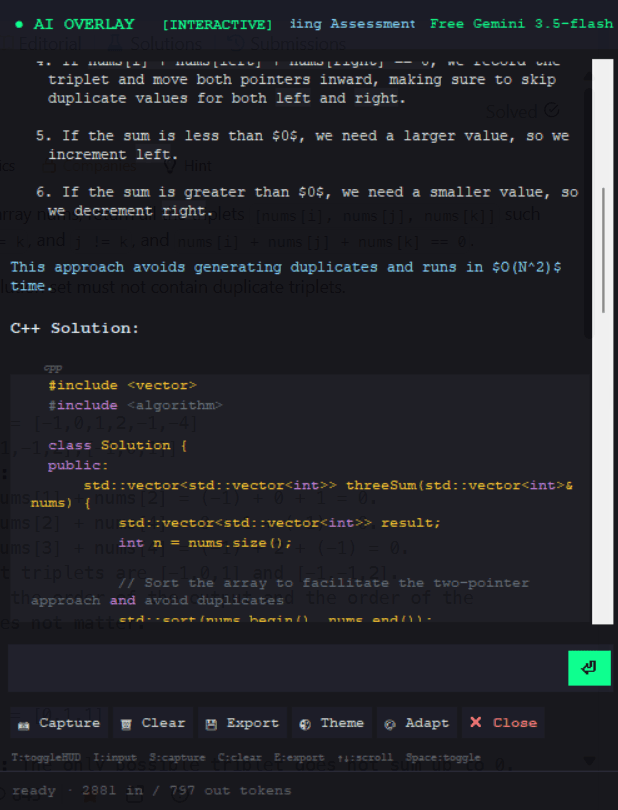
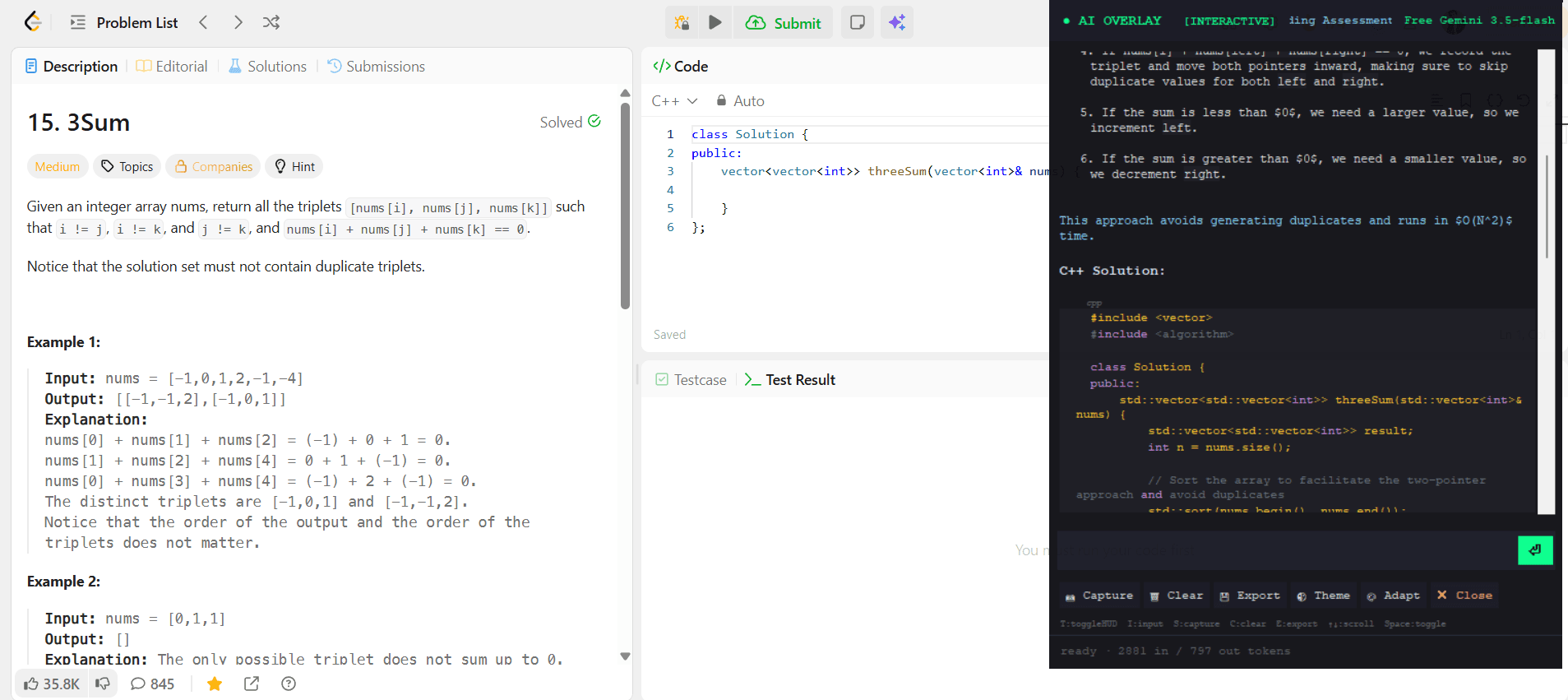
See it in action
Real screenshots from the actual application. No mockups, no marketing renders.
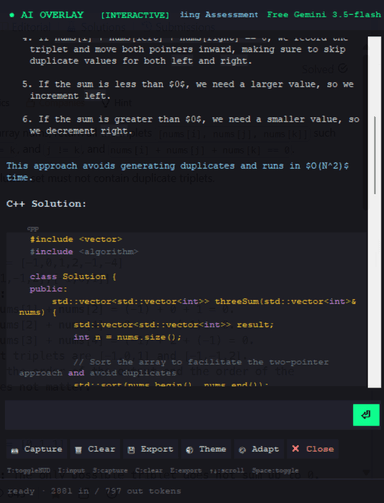
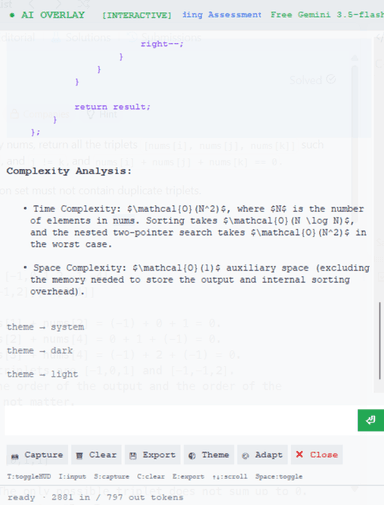
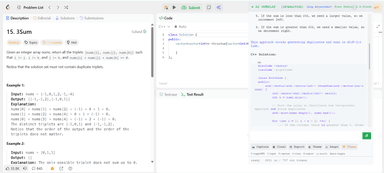
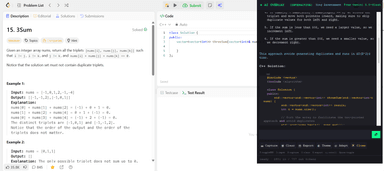
AI explains the 3Sum algorithm with time complexity analysis
Everything at your fingertips
Global hotkeys that work from any application. No clicking, no switching windows.
Show or hide the AI overlay window globally from any application.
Instantly capture the screen and send it to the AI for visual analysis.
Submit your current message to the AI without touching the mouse.
Export the full conversation to a Markdown file for reference or documentation.
Toggle click-through so clicks pass to the window underneath the overlay.
All shortcuts are configurable in config.ini
From question to answer in seconds
A simple four-step workflow that keeps you in the zone. No browser switching, no copy-pasting.
Launch Overlay
Start AIOverlayAgent. The transparent window floats above every application, always ready.
Press Ctrl+Shift+Space from anywhere to toggle visibility instantly.
Capture Screen
Press the capture hotkey to screenshot your current screen. Any region, any application.
The overlay captures context automatically — no manual cropping needed.
AI Understands Context
Multimodal AI analyzes the screenshot. Code, errors, UI elements, text — all understood.
Powered by Gemini Vision, GPT-4V, Claude Vision, or local models via Ollama.
Receive Instant Answers
Get detailed, markdown-formatted answers with code, explanations, and step-by-step solutions.
Export the entire conversation to Markdown with one keyboard shortcut.
Your choice of AI brain
No lock-in. Switch between providers instantly from the dropdown. Use free tiers or local models.
Google's latest multimodal AI. Gemini 1.5 Flash is free with a standard API key.
Industry-leading GPT-4o and GPT-4 Vision models for premium code understanding.
Anthropic's thoughtful, safety-focused AI. Excellent for detailed code analysis.
One API key for 200+ models. Access GPT, Claude, Llama, Mistral and more.
💡 Bring your own API key. No subscriptions, no monthly fees. Your keys, your data. Use Ollama for 100% offline, private AI.
Built in the open, for everyone
AIOverlayAgent is MIT licensed and community driven. Inspect every line, submit a PR, or build your own version.
Why an overlay?
Not all AI tools are equal. See why a dedicated overlay beats browser tabs and extensions.
| Feature | 💬 Traditional Chatbots | 🧩 Browser Extensions | 🖥 AI Overlay Agent RECOMMENDED |
|---|---|---|---|
| Visual Screen Context | ✕ | ~ | ✓ |
| Floating Overlay (Always on Top) | ✕ | ✕ | ✓ |
| Global Keyboard Shortcuts | ✕ | ~ | ✓ |
| Multiple AI Models | ✕ | ✕ | ✓ |
| 100% Open Source | ✕ | ✕ | ✓ |
| Local / Offline Models | ✕ | ✕ | ✓ |
| Works in Any Application | ✕ | ✕ | ✓ |
| Screenshot Understanding | ~ | ~ | ✓ |
| Developer Focused | ✕ | ~ | ✓ |
| No Monthly Subscription | ✕ | ~ | ✓ |
Real screenshots, zero marketing fluff
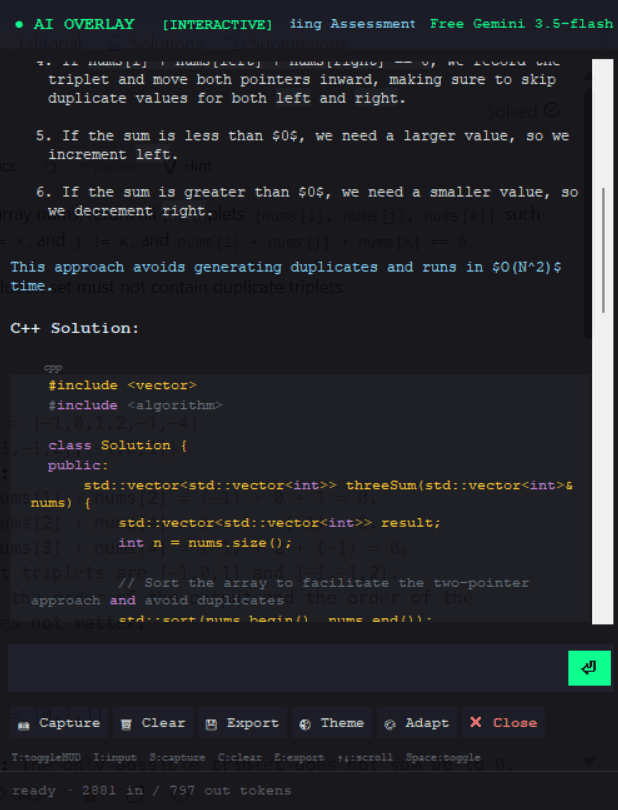
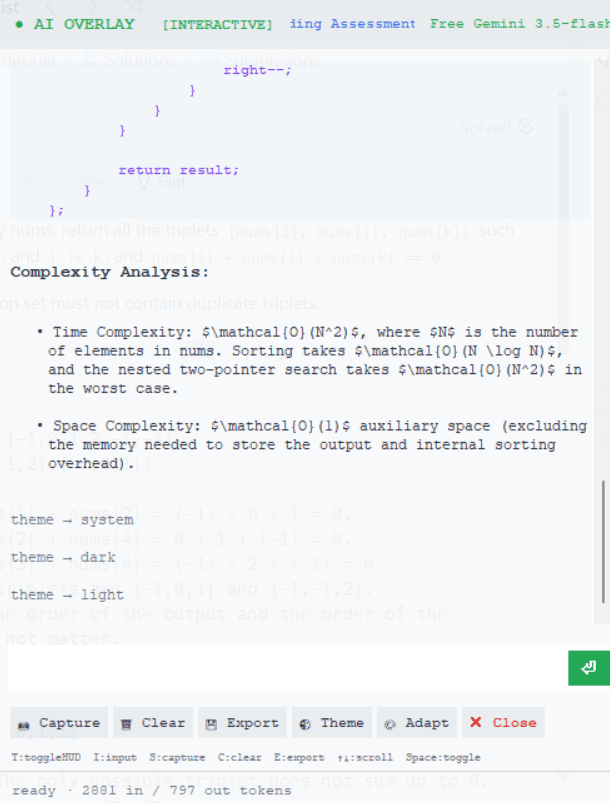
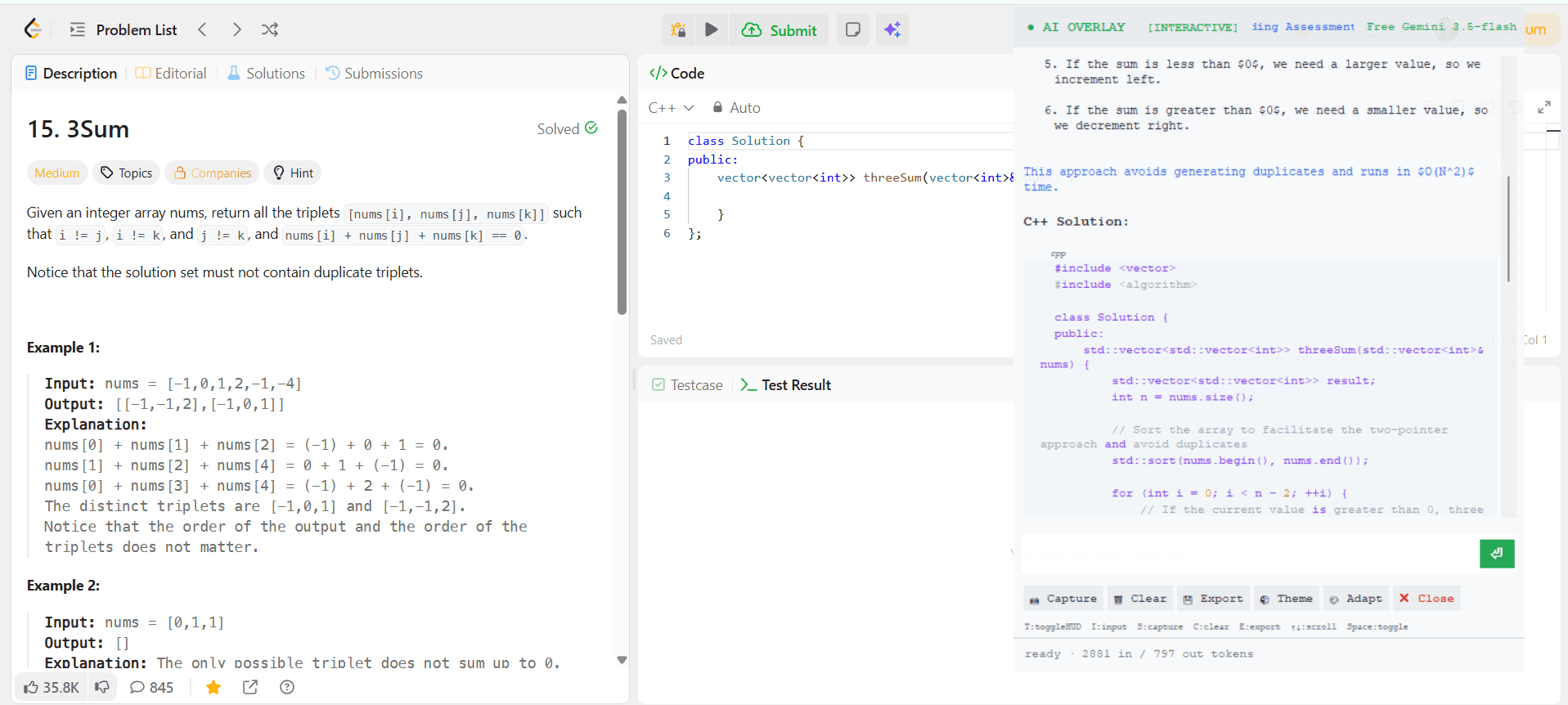
Every image here is a real screenshot of the actual application. Click to expand.
Everything you need
to master the overlay.
Whether you are just getting started or looking to build from source, our comprehensive documentation has you covered.
Common questions
Everything you need to know before you dive in.
Still have questions? Open a GitHub Discussion →
Ready to supercharge your
development workflow?
Join developers who use AIOverlayAgent to solve problems faster, understand code deeper, and build better software.